UK Recycling Guide
Old Electronics and Responsible Disposal
UK guidance on old TVs, set-top boxes, routers and batteries, with reuse options and WEEE basics.
TV Equipment Recycling
TV Equipment
TV equipment includes compact connected devices as well as televisions, and the right recycling route can depend on which type you have.
View Guide →
Household Electronics
UK guidance on household electrical waste, WEEE and batteries, with practical sorting points and advice on checking current local collection rules.
See Guide →
WEEE Guide
A clear UK overview of WEEE, what counts as electrical waste, why separate collection matters and how local guidance helps identify suitable routes.
Read Guide →
About This Guide
Household Electronics and Batteries
Options for an old TV box, from checking whether it still works to preparing it for reuse or recycling and confirming local collection requirements.
Guide Topics
What to Do with an Old TV Box
Old TV Boxes
View Guide →
Boxes and Routers
Steps for preparing old TV boxes and routers for recycling in the UK, including cables, device instructions and checks for local electrical-waste collection.
View Guide →
Old TVs
Practical steps for recycling an old television in the UK, including identifying the set, checking local collection arrangements and preparing it for handover.
Read Guide →
Batteries
UK battery recycling guidance covering loose and built-in batteries, safe sorting, collection instructions and what to check before handing batteries over.
View Guide →
WEEE Guide
View Guide →
Old TV Setup
A practical guide to checking ports, cables and compatibility when connecting a set-top box to an older television, with limits to check before setup.
View Guide →
Guide Articles
Using This UK Guide
-
What to Do with an Old TV Box
Options for an old TV box, from checking whether it still works to preparing it for reuse or recycling and confirming local collection requirements.
-
How to Recycle Old Batteries
UK battery recycling guidance covering loose and built-in batteries, safe sorting, collection instructions and what to check before handing batteries over.
-
Connecting a Set-Top Box to an Old TV
A practical guide to checking ports, cables and compatibility when connecting a set-top box to an older television, with limits to check before setup.
Old Electronics and Responsible Disposal
Deciding what to do with an old electrical item starts with its condition and whether it still meets a practical need. Keeping a working device in use can avoid replacing it, while passing it on may suit equipment someone else can use. Recycling is the appropriate option when an item has reached the end of its useful life or cannot be reused. Electrical and electronic equipment may contain materials that need suitable handling, so it should not go into ordinary household rubbish. In the UK, recycling old electronics depends partly on the collection and reuse arrangements available locally.
Reuse before recycling
Compare the item’s condition with its likely usefulness before choosing a route. A device need not be new to remain useful, but it should work as described and be suitable for its next user.
| Example and condition | Keep in use | Pass on for reuse | Recycle |
|---|---|---|---|
| Mobile phone that charges, holds a usable signal and runs needed apps | Keep it if it still meets your everyday needs. | Pass it on if you have replaced it and it remains functional. | Choose a local recycling route if it no longer works or has no suitable reuse prospect. |
| Laptop with a working screen, keyboard and power supply | Continue using it if it can still perform the tasks you need. | Offer it for reuse if it works reliably and another person can use its capabilities. | Recycle it if essential components have failed and repair or reuse is not practical. |
| Small kitchen appliance that operates normally with its supplied parts | Keep it if it remains useful and works as intended. | Pass it on if it is clean, complete and suitable for another household. | Use an appropriate local route if it is broken and cannot be made suitable for reuse. |
| Electrical item with intermittent operation or missing essential parts | Keep it only if the fault can be resolved and it remains fit for use. | Pass it on only when the condition and any known fault are clearly explained. | Recycle it if the fault makes reuse unsuitable or no practical repair is available. |
For a reliable device you still need, keeping it is the simplest choice; a working surplus item may suit another user. When faults, missing parts or limited usefulness rule out a responsible handover, recycling through an available local route is the better fit.
When equipment reaches end of life
An item may have reached the end of its useful life when it no longer performs its main function, repeatedly stops working, or cannot support the tasks for which it is needed. A failed screen, unreliable controls or an unavailable essential part can make reuse impractical, even if the casing is intact. Age alone does not determine whether equipment is reusable; its actual condition and usefulness matter. Electrical and electronic equipment may contain materials that require appropriate handling, so end-of-life items should not be put in ordinary household rubbish. Check your council’s current waste guidance for the local collection or drop-off arrangements available for the item. Collection options differ between areas, and a route suitable for one type of equipment may not accept another. Local instructions help identify a suitable option for responsible electronics disposal.

TV Equipment Recycling
TV equipment includes compact connected devices as well as televisions, and the right recycling route can depend on which type you have. TV boxes, routers and televisions are different kinds of electrical equipment, so their collection and preparation options may differ. A set-top box or router is closer in size to other small electrical items, while a television needs a route that can accept a large screen. The guidance for each device type helps you compare reuse, recycling and local collection options without assuming that one arrangement covers all three.
TV boxes and routers
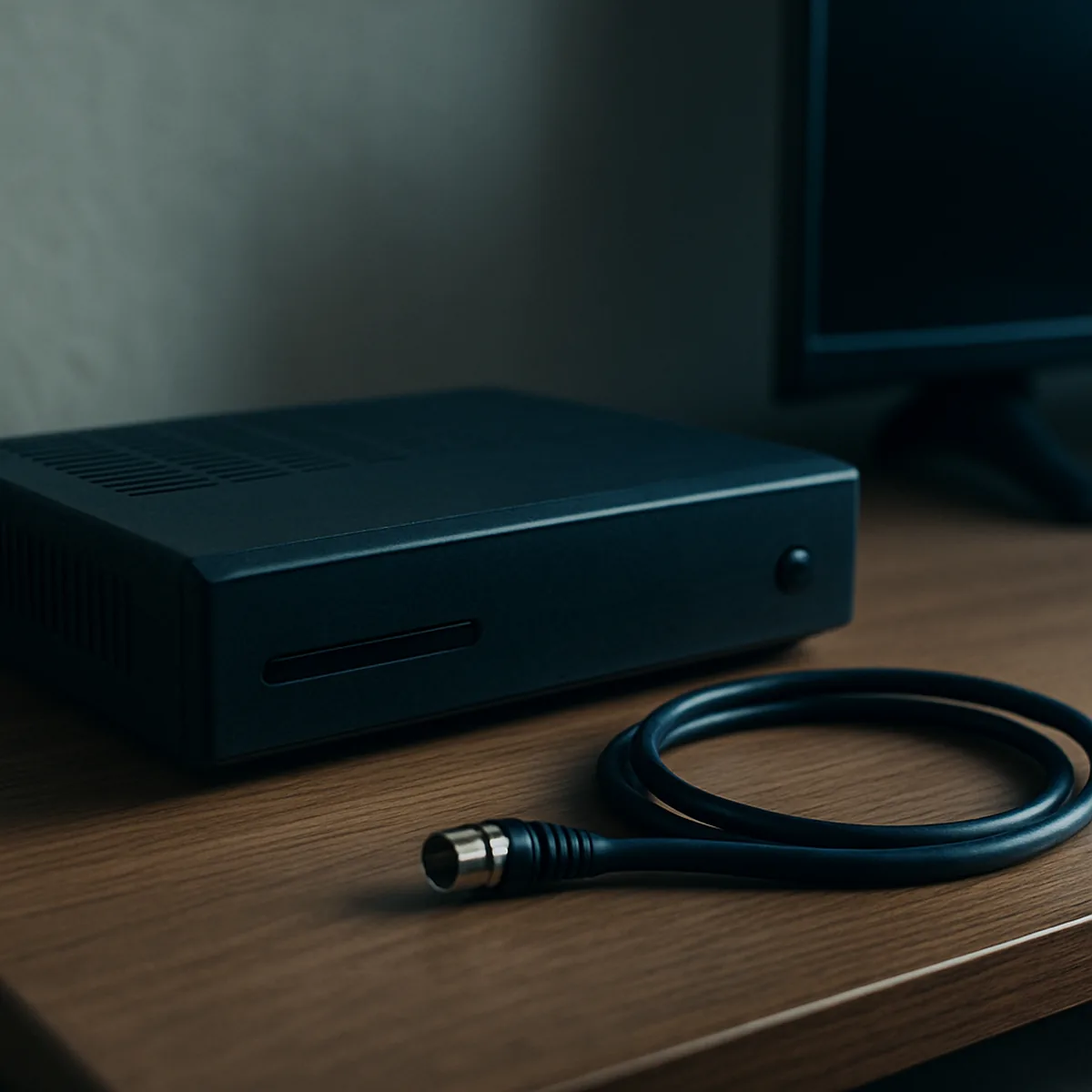
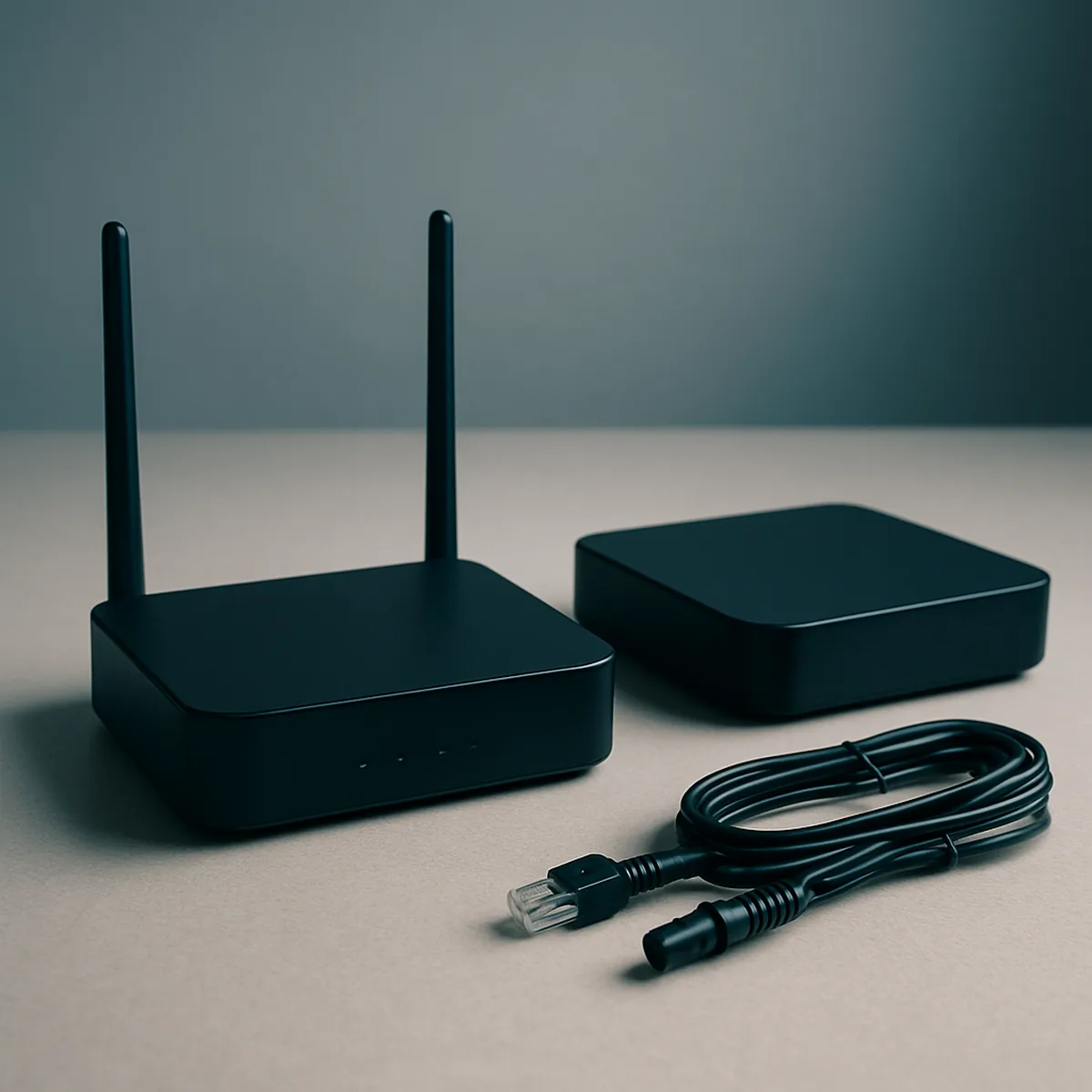
A TV box, such as a set-top box or streaming device, receives or delivers content to a television; a router connects devices to a broadband network. Neither is a television, even when it sits beside the screen or is supplied by a TV or internet provider. Their compact size means they may be handled through routes for small electrical equipment, but local council and retailer arrangements can vary. Check the accepted equipment categories before choosing a collection point.
Whether a box is worth keeping depends on practical details such as the service it supports, its connections and whether it still meets your needs. Related guidance covers reuse decisions, preparing a box or router for recycling, and checking connection questions before replacing or passing on equipment. If it has no useful role, use a suitable electronics recycling route rather than putting it out with general rubbish. That keeps the decision specific to the device and the collection options available locally.
Old televisions
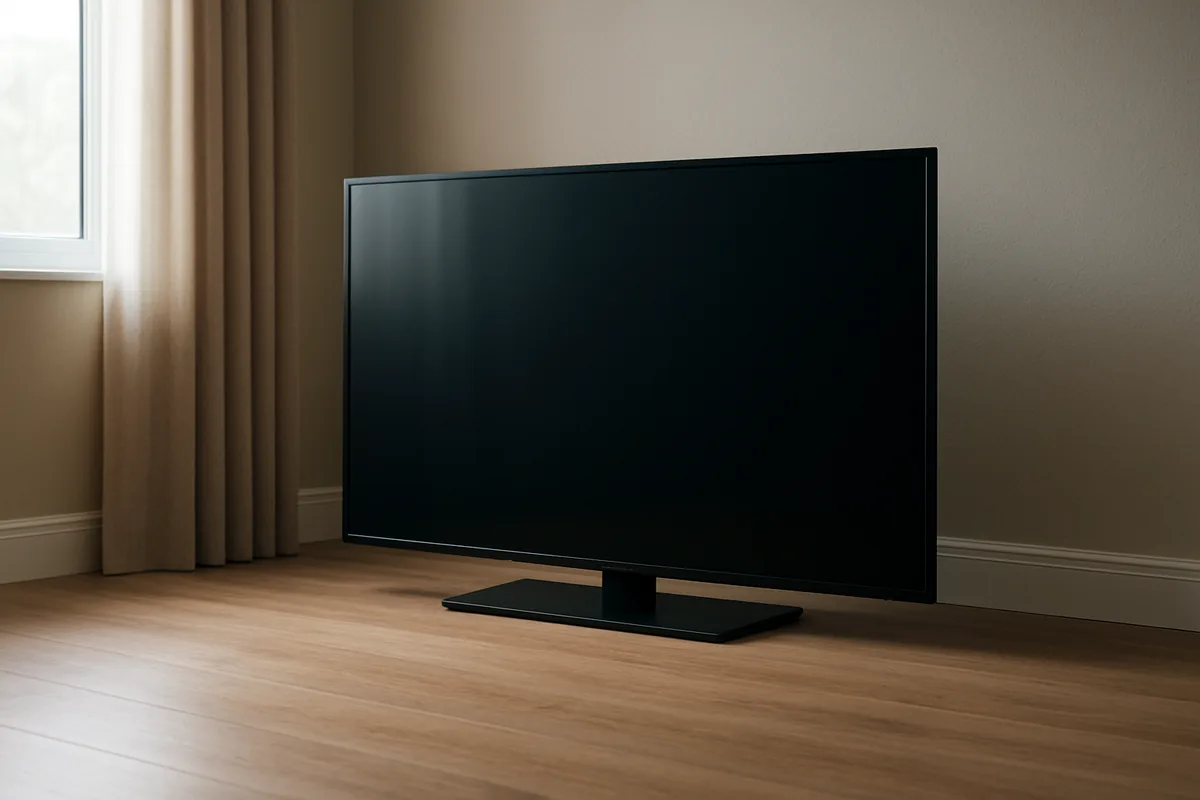
An unwanted television needs a collection option that accepts screens, and its type and size can affect what is available. Older CRT televisions have a deep, heavy casing, whereas flat-screen LCD and LED models are generally shallower; these differences can affect storage, transport and collection arrangements. Check the dimensions and identify the type before comparing a local council collection with a retailer’s take-back option, as acceptance rules and service conditions are not identical everywhere.
Keep television-specific guidance separate from advice for a set-top box or router: a screen is larger, more awkward to move and may require a different collection arrangement. The dedicated television guidance explains how to identify the type of TV and check local arrangements, including what to confirm about collection or preparation. Those details matter whether the set is an older CRT model or a modern flat screen, so choose a route that explicitly accepts the television you have.
Household Electronics and Batteries
Household electronics include everything from a desk lamp or electric toothbrush to a games console, laptop or television. Before arranging disposal, check whether an item still works and can be reused, repaired or passed on; otherwise, use a suitable recycling route. The Waste Electrical and Electronic Equipment Regulations 2013 provide the UK framework for collecting and treating discarded electrical and electronic equipment. Batteries have separate collection guidance, so check local instructions before sorting them with other items.
Small electrical items
Check a small electrical item’s condition before deciding what to do with it. A working toaster, lamp or radio may be suitable for donation or reuse; if it has a minor fault, consider whether repair is practical. Items that cannot be reused should go through an appropriate electrical recycling route rather than being placed in a general rubbish bin. This is a practical starting point when deciding how to recycle electrical items at home.
The Waste Electrical and Electronic Equipment Regulations 2013 establish the UK framework for separate collection and responsible treatment of discarded electrical and electronic equipment. Local arrangements vary, so check your council’s guidance for household waste recycling centres and other accepted options. For device-specific information, consult guidance on televisions and TV boxes, small appliances, computers or mobile phones, as appropriate. Those devices may have different return or collection arrangements. Searching for a route to recycle old electronics in the UK is most useful when you identify the item and check the instructions for your area before travelling or handing it over.
Battery collection
Loose household batteries should be handled according to your council’s battery collection guidance, not assumed to belong in the same collection as electrical items. Local instructions determine whether batteries must be kept separate, which collection points accept them and how they should be presented. Check those details before sorting a mixed batch of household items; a battery collection route may differ from the route for a small appliance or other WEEE item.
Distinguish a loose battery, such as one removed from a remote control, from an electrical device that still contains a battery. Do not assume that a battery should be removed: follow the receiving service’s instructions for the complete item, and keep loose batteries separate where the local route requires it. For battery recycling and safe disposal, use the council’s current local guidance rather than relying on a general rule that may not fit your area. This check helps you choose the correct collection route for both the battery and the device.
What to Do with an Old TV Box
An old set-top box may still serve a household, but age alone does not show whether it will work with a current television or service. Compare its condition and compatibility with a specific, likely use before deciding to store it, pass it on or recycle it. A working box without a realistic use can become clutter just as quickly as a faulty one. If it is no longer useful, check the device or provider guidance before resetting or returning it, then confirm an appropriate local collection route.
Reuse, keep or recycle
Start with the box’s condition: check for a cracked case, damaged ports, missing power supply or signs that it no longer starts reliably. A device that powers on is not automatically useful; its connections and software must also suit the television and service you intend to use.
Keep it only when you can name a practical use, such as connecting it to a compatible television or retaining it for a known household setup. Check the model’s outputs and whether the service or features you need remain supported. Do not assume that a box supplied for one service will work with another provider, or that an older model can access current streaming services.
A working box may be suitable to pass on if the recipient can use its connections and knows what equipment or service it requires. Be clear about missing accessories and limitations rather than presenting it as universally compatible. If there is no likely user, or the box is faulty or obsolete, recycling is more sensible than indefinite storage. Use a confirmed electronic-waste collection route rather than putting it in general household rubbish; local arrangements vary across the UK.
Preparing a box
Before handing over a set-top box, prepare the exact model and check the instructions for its provider or manufacturer. Use these steps:
- Read the label on the underside or rear panel and note the manufacturer and model number, so you can check the correct device guidance.
- Check provider or manufacturer instructions before resetting or returning the box; a reset can remove saved settings or recordings, and return conditions vary.
- If guidance recommends a reset, follow the model-specific process rather than guessing from another box; confirm that you are willing to lose stored settings or content.
- Disconnect the power lead, HDMI cable, aerial lead and any other accessories; include accessories only if the recipient or collection point requests them.
- Ask your local council or a retailer accepting old electrical items whether it takes set-top boxes, and check any booking or drop-off requirements.
Keep a required return package or label separate from items intended for recycling, and follow the confirmed route for each. Do not leave the box at a collection point until you have checked that it accepts this type of equipment.
Recycling TV Boxes and Routers
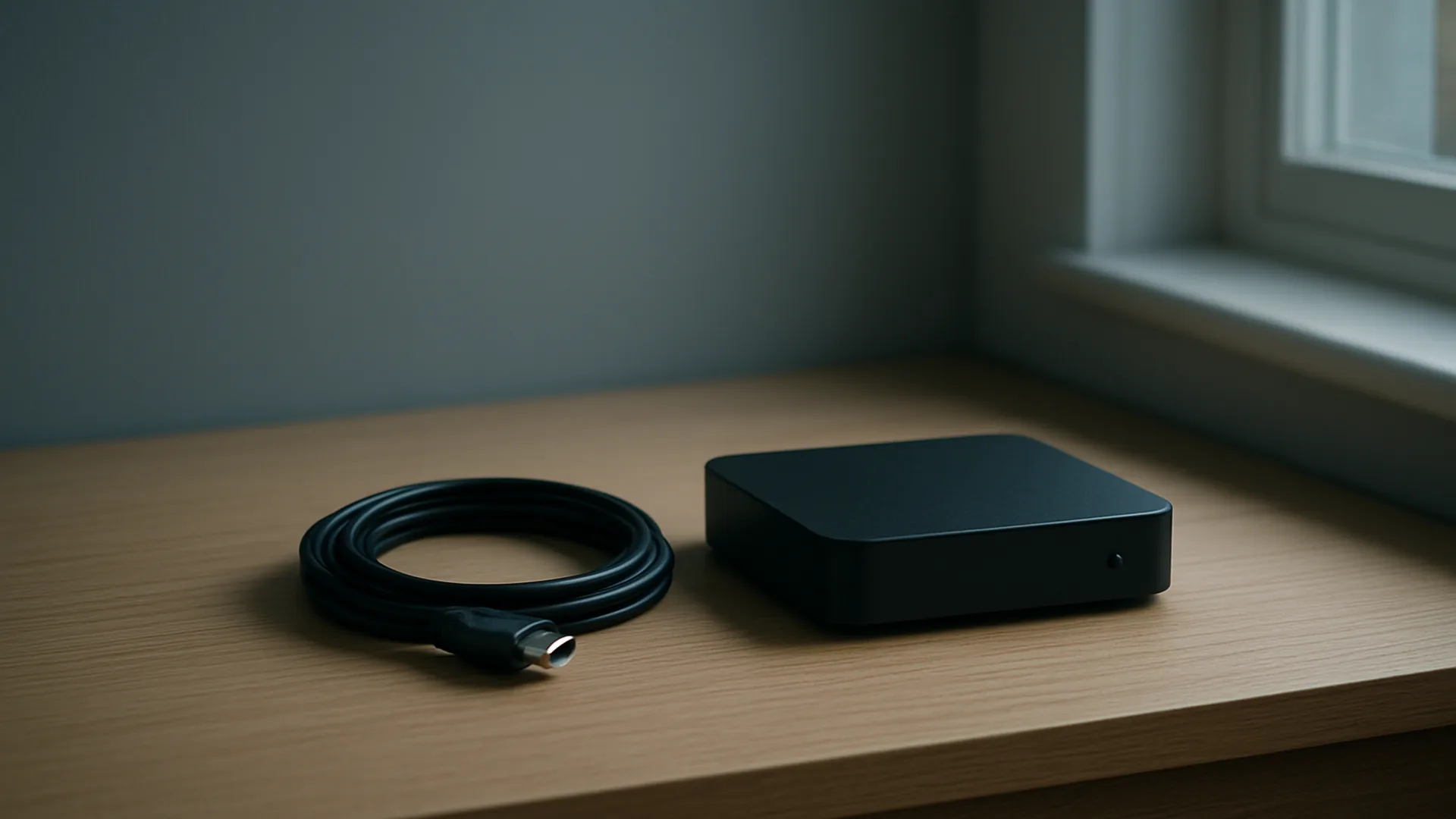
Set-top boxes and routers are small electrical items, but the right handover route depends on local arrangements and the condition of the equipment. A few checks before recycling can keep useful accessories together and prevent avoidable damage. Disconnecting and sorting the parts also makes it easier to follow the collection instructions for the specific device. Check current council guidance before taking a box or router to a collection point or arranging a collection.
Before handing equipment over
When a set-top box or router is no longer needed, switch it off and unplug its power supply from the socket before moving it. Disconnect attached leads such as Ethernet, HDMI, coaxial or telephone cables, taking care not to pull on the connectors. Let the equipment cool if it has been running, then place the unit and its parts together while you check what the receiving route accepts.
Look for removable accessories supplied with the device, including a power adapter, remote control, aerial lead or detachable stand. Check the device instructions if you are unsure whether a part is designed to come off; do not open the casing or force a connector. Keep the correct adapter with its box or router where possible, and avoid mixing similar-looking power supplies from different devices.
If the equipment still works and may be passed on, keep it clean, dry and protected from knocks, and retain the leads needed to operate it. Check the casing, ports and cable ends for visible damage rather than bundling everything together indiscriminately. For a device intended for recycling, keep accessories alongside it until the collection instructions clarify whether they should be included or sorted separately. These steps make responsible electronics disposal more straightforward without dismantling the equipment.
Finding a suitable route
Check your local council’s current guidance for electrical-item collection options before travelling or booking a service. Arrangements differ between areas: a council may direct residents to a household waste recycling centre, describe a local collection option, or set out other accepted routes. Search by your postcode or local area and confirm that the guidance covers both set-top boxes and routers, rather than assuming that every electrical collection accepts them.
Match the route to the item’s type and condition. Check whether the option is intended for small electrical equipment, whether working and non-working devices are treated differently, and whether the power supply or remote control should accompany the unit. If a collection is offered, confirm any booking, drop-off or packaging requirements in the current instructions before preparing the equipment.
Collection services and accepted categories can change, so rely on up-to-date council information rather than an old leaflet or a neighbour’s experience. If the instructions do not clearly cover a router or TV box, ask the council which local route applies. This check helps you recycle old electronics in the UK through an option that actually accepts the device.
Recycling an Old Television
A television’s age, screen design and physical size can affect how easily it is moved and which recycling service can take it. A compact flat-screen set may fit in a car, while a large or older model can be awkward to lift and transport. Identify the type and measure the set before arranging a collection or journey to a recycling site. Check your council’s current instructions, because accepted items and collection options vary across the UK.
Identify the type of TV
Check the label or model information for the screen type, then measure the screen diagonally; TV sizes are normally given in inches. The table shows common examples and why the set’s design matters when choosing how to move it.
| Type | Example size | Handling and collection considerations |
|---|---|---|
| CRT (cathode-ray tube) | 21 in (about 53 cm) diagonal | The deep cabinet and glass tube make this older style bulky and often heavy for its screen size. Check whether a service can handle a CRT before arranging transport. |
| LCD or LED flat-screen | 32 in (about 81 cm) diagonal | A flat cabinet is generally easier to carry than a CRT, but the screen can be vulnerable to pressure. Confirm any size or handling limits for collection. |
| Large flat-screen, including plasma | 55 in (about 140 cm) diagonal | The wide screen can be difficult to manoeuvre through doors or fit in a vehicle, and plasma sets can be heavier than comparable LCD models. Ask about large-item arrangements. |
Diagonal size does not give the full outside width or height, and a stand can add to the space needed. Identifying the technology and measuring the whole set helps you describe it accurately when checking a suitable recycling route.
Check local arrangements
Use your local council’s current guidance for bulky and electrical waste, checking by postcode if its instructions are organised by area. Councils may offer a booked bulky-waste collection, accept televisions at a household waste recycling centre, or direct residents to another local option; availability is not the same everywhere. Before making arrangements, confirm that televisions are accepted, whether CRT sets or large screens have separate conditions, and whether a booking or fee applies. For a collection, check the permitted size or weight, the collection date and where the set must be placed. For a recycling centre visit, verify the site’s accepted items, opening arrangements and any vehicle restrictions. Local services can differ because councils use different contractors and facilities. Check the latest instructions before loading a television or setting it out, rather than relying on a neighbour’s experience or an old collection notice.
Recycling Household Batteries
Batteries need a collection route suited to their type and whether they are loose or still inside a device. Loose household cells can often be handed in at a local collection point, while a battery built into a product may need to go with the whole item. Some routes ask for batteries to be kept separate from electrical items; others provide separate containers at the same site. Check the local instructions before sorting or travelling, since accepted types and collection arrangements vary.
Keep batteries separate
Separate loose household batteries from electrical items when the collection route requires it. Do not remove a battery from a device unless it is designed to be user-removable and the product instructions explain how.
- Sort by form: standard AA and AAA cells, larger cylindrical cells, button or coin cells, and rechargeable packs may have different acceptance instructions.
- Check the markings where visible: alkaline, lithium, nickel-metal hydride and nickel-cadmium identify different battery types, which some collection points ask you to separate.
- Keep loose rechargeable batteries apart from single-use cells if your council or collection point specifies separate containers; never assume one mixed-battery box accepts every type.
- If a battery remains inside a phone, tablet, toothbrush or other appliance, treat it as part of that device unless the manufacturer provides a straightforward removal method.
Keep batteries in their own bag or container while sorting, rather than mixing them with cables or small appliances. For a damaged or swollen battery, check the collection provider’s specific instructions before taking it to a standard drop-off point.
Use local collection guidance
Check your local council’s recycling information for the nearest household waste recycling centre, kerbside service or designated battery collection point. Search or ask using the battery type, such as lithium-ion, button cell or rechargeable, because a site that accepts standard alkaline cells may not accept every format. Retailers that sell portable batteries may also provide take-back containers, but check the specific store’s accepted types and arrangements before visiting. Read the preparation instructions as well as the list of accepted batteries. They may specify whether cells should be sorted by chemistry, placed in a particular container, or kept separate from electrical items. For example, a council centre may have separate bins for loose batteries and small electrical goods, while a shop collection point may accept only portable household batteries. Check opening times, access requirements and any limits on quantities before travelling; the correct route depends on the local service and the battery being handed in.
Reusing an Old TV Box
An old TV box may still be useful if it works with your television and provides a function you want. Check the model label and physical connections first: different generations may use HDMI, SCART, Ethernet or other ports. A box powering on is not, by itself, proof that its features or online services are usable. Assess the hardware and its current service support separately before deciding whether to keep it.
Check what it can still do
Find the make and model on the underside or rear label, then check the casing, sockets, power connection and supplied remote. Look for visible damage or loose ports, and note which connections the box actually has; an HDMI output will not connect directly to a television that only has SCART, for example. Match the box’s available outputs to the television and any other equipment you intend to use. Connect it to compatible equipment and check whether it starts, displays a picture and responds to the remote. If it has Ethernet, confirm that your router has a suitable port and cable; a network connection may be needed for some functions. The menus can show whether the box offers a practical use, such as receiving television channels or playing recordings, if those functions are supported by that model. A working screen and responsive controls are useful evidence, but judge the box by the specific task you need rather than by its age or appearance. If no compatible equipment or wanted function is available, keeping it may not be worthwhile.
Avoid unsupported assumptions
A box that starts successfully may still depend on a provider account, an active service or software that is no longer supported. Streaming apps, channel access, recording features and remote-control functions can change as providers update their services, so do not assume that a feature shown in an old manual or menu will remain available. Some models may also have restrictions that prevent use outside the service they were supplied for. Check the current guidance for the exact model with its manufacturer or service provider, especially before relying on an app, subscription-linked function or network feature. Confirm whether the device can still be activated and what equipment or service it requires. Apply the reuse guide’s decision criteria: retain the box only when its present condition, compatibility and available functions meet a real need; otherwise, consider recycling it through an appropriate route.
How WEEE Recycling Works
WEEE means waste electrical and electronic equipment, and the UK’s WEEE rules set the framework for its collection and treatment. The process keeps discarded electrical goods apart from ordinary household rubbish so they can be handled according to their construction. Local authorities, retailers and other approved collection routes can direct items into appropriate facilities. What happens next depends on the device, its condition and the equipment available to the treatment operator.
Separate collection
The Waste Electrical and Electronic Equipment (WEEE) Regulations provide the UK framework for managing discarded electrical and electronic products. They support separate collection so equipment can be directed into suitable handling and treatment routes rather than mixed with ordinary household waste.
Electrical goods contain combinations of materials and components that are difficult to identify or recover once mixed with general rubbish. Keeping them separate also allows trained operators to assess the equipment and manage parts that need particular handling. Items placed in a general waste bin may be crushed or contaminated before useful components can be sorted.
Suitable routes include local authority facilities and collection arrangements, as well as retailer take-back options where offered. A council’s instructions can specify which facility accepts electrical items and whether separate categories or containers are used. Retailers may accept certain products when supplying replacements, but services and eligibility vary, so check the terms before travelling.
For householders, the practical step is to use a route that explicitly accepts the type of electrical item being discarded. Local council electronics recycling information can help identify an appropriate facility or collection service; acceptance rules may differ between council areas.
Materials and treatment
At a treatment facility, collected equipment may first be checked to identify its type, condition and components. Operators then prepare it for the relevant process; the steps used for a television, a small appliance and a computer need not be the same. This assessment helps determine whether parts can be removed separately and which treatment route is suitable.
Depending on the device and facility, preparation can include dismantling, removal of selected components and separation of materials. Mechanical processing may then reduce equipment into smaller fractions, which can be sorted using methods suited to their properties. Metals, plastics and glass may be directed for recovery where their condition and the facility’s processes allow it; not every material or component is suitable for the same route.
Device-specific handling matters because electrical products vary in design, and some contain components that require controlled removal before other processing. Treating unlike items as one undifferentiated load can make sorting less effective and may damage parts that need separate management. Approved operators follow applicable requirements for WEEE treatment and use processes appropriate to the equipment they receive.
As a result, electronic waste recycling in the UK is a sequence of assessment and treatment choices, not a single process applied identically to every product. The item’s design and the receiving facility determine which materials can be separated and recovered.
Using This UK Guide
The UK Electronics Recycling Guide is an independent English-language information guide for people deciding what to do with unwanted equipment. It is not a shop, business, service provider, school or organisation, and it is not a former project of this domain. It offers no products or services. Use the device-specific pages to find relevant reuse and recycling considerations, then confirm details that may vary by location or model. This helps make decisions about recycling old electronics in the UK more informed.
Choose the relevant device guide
This guide is for householders sorting out equipment they no longer use, as well as anyone checking options before passing an item on. Start with the page that matches the device: televisions, TV boxes, routers, household electronics or batteries. Those categories are treated separately because a television, a network router and a loose battery have different reuse and recycling considerations.
Use the matching page to identify which questions matter for your item. A television owner can look for guidance specific to TV types; someone with a TV box or router can check the options relevant to those devices. The household electronics and batteries pages help readers distinguish small appliances from batteries. If you are unsure which category fits, check the device label or model information before choosing a guide. The aim is to help you work out how to recycle electrical items responsibly, without assuming that advice for one device applies to another.
Check local instructions
Collection arrangements are not identical across the UK: a local council may offer different services from a neighbouring authority, and accepted items or booking requirements can vary. Before travelling to a UK household waste recycling centre or arranging a collection, check your council’s current instructions for the specific item. Confirm whether the service accepts that category, whether you need to book, and what collection or drop-off arrangements apply.
Manufacturer guidance can also matter, particularly when instructions differ by product or model. Check the current manual or support information for device-specific preparation, and use the model details to make sure the advice matches your equipment. For example, directions for a television may not apply to a router or a small appliance. If a council route and manufacturer instructions address different parts of the process, follow each for the matter it covers. Checking both sources before handover helps prevent a failed collection or a device being prepared incorrectly.