
What Counts as TV Equipment
TV equipment includes the television itself and smaller devices that provide or connect its services. These items can look like one set when installed, but they are separate electrical products with different collection categories. The guidance is independent information, not a retailer, collection service, school or other organisation. Identifying each item by its function helps you find relevant preparation and collection guidance.
Televisions
A television is the main screen-and-display unit used to show broadcast, streamed or recorded pictures, usually with sound from built-in speakers. Common types include LCD and LED flat-panel sets, OLED and plasma screens, as well as older cathode-ray tube (CRT) televisions. The screen and its housing form the television; a separate remote control, stand, power lead, HDMI cable or soundbar is an accessory or additional device, not part of the display unit itself.
That distinction matters when you identify an item for TV recycling in the UK. A wall-mounted flat-screen, a desktop-sized television and a bulky CRT set are all televisions, even though their dimensions, weight and construction differ. A CRT contains a deep glass display, while a flat-screen has a shallow panel, so collection services may ask what type or size you have rather than treating every set as identical. The model label or product description can help you confirm the type if it is unclear.
Once you know that the item is the television rather than an attached accessory, you can match it to guidance for the main display unit. This makes it easier to check the relevant preparation details and whether a collection route accepts that kind of television.
Set-top boxes and routers
A set-top box is a separate electronic device that receives or decodes television services and sends picture or sound to a television, commonly through an HDMI connection. It may handle satellite, cable, terrestrial or internet-delivered channels, and can include recording or streaming functions. The box does not become part of the television simply because it sits beside or beneath the screen; it remains a distinct piece of equipment.
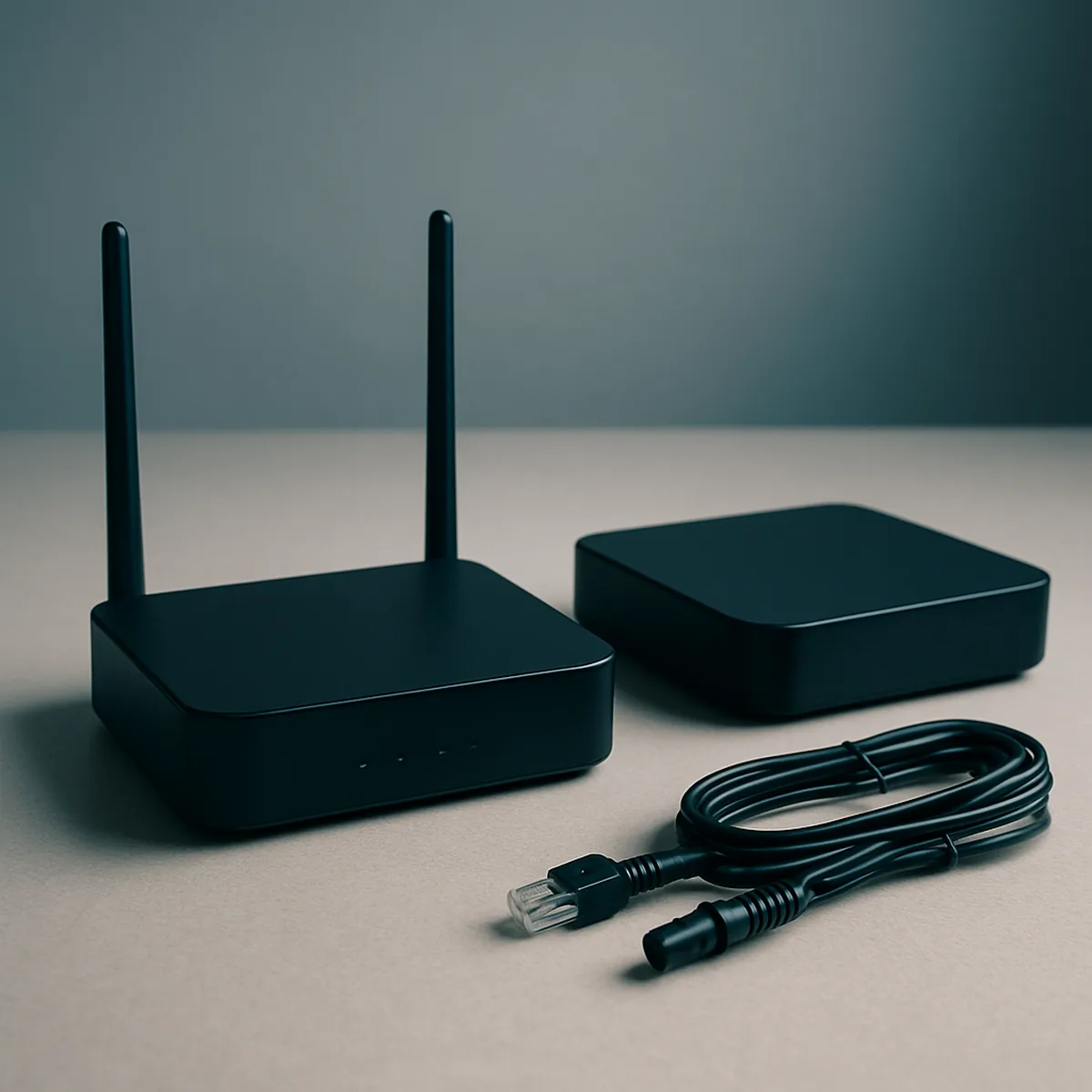
A router is network equipment that connects devices in a home to a broadband connection and, in many cases, creates a Wi-Fi network. It may support a smart television or streaming box, but it is not itself a television receiver or display. Modems and combined router-modem units also serve a networking function, so their identification should follow the product label and provider description rather than their location near the TV.
Separate identification matters because a television collection may not automatically cover smaller electrical items, and guidance for a router can differ from guidance for a display. When checking how to recycle television equipment, list the screen, set-top box and router as separate items; that gives you a clearer basis for finding applicable collection information. The practical distinction is simple: the television displays the picture, the set-top box handles a TV service, and the router connects network devices.
Reuse or Recycle
A television, set-top box or router may still be useful even when it is no longer needed in your home. Compare its working condition, available functions and support with the needs of someone who could use it. Passing on a working device can extend its useful life; recycling is more suitable when it cannot serve a realistic purpose. Age alone does not determine whether equipment is usable.
Assess condition and usefulness
Check what the device actually does before choosing an outcome: picture and sound, controls, connections and the functions you rely on. Use this comparison to distinguish continued use, passing on a working device and recycling.
| Option | Condition and functionality | Support status | Likely usefulness |
|---|---|---|---|
| Continue using it | The screen displays a stable picture, sound works, controls respond and the inputs you need function. | Essential apps, services or connected equipment still work for your intended use. | Keep it in service if it meets your viewing or connectivity needs without relying on failed features. |
| Pass it on for reuse | The device operates reliably, has no visible damage that affects use, and its main functions can be demonstrated. | Its key features remain available, or the recipient can use it with compatible equipment or services. | Offer it to someone whose needs match its actual functions; a working older television may suit basic viewing. |
| Consider limited-use reuse | Some features work but others do not; for example, a television still displays an HDMI source although an app is unavailable. | A discontinued app or service limits one function, while other inputs or functions remain supported. | Reuse may be realistic only for a recipient who can use the remaining functions. |
| Recycle it | It fails to power on, has a damaged display, or repeatedly loses picture, sound or connection. | Important functions are unavailable and no practical compatible service or equipment restores them. | Choose recycling when the device cannot meet a realistic use and passing it on would simply transfer the problem. |
A device being old does not by itself establish that it is unusable: age is less informative than its present condition and the functions it can still perform. Before you recycle a TV in the UK, consider whether those functions would meet someone else’s needs; pass it on only when its working state and limitations are clear.
When recycling is appropriate
Recycling is appropriate when a device cannot provide dependable use and there is no realistic recipient or useful function left. These practical signs can help you decide.
- A cracked or failed display prevents normal viewing, and the television cannot provide a useful picture through its remaining inputs.
- Repeated shutdowns, persistent loss of sound or picture, or unreliable controls make ordinary use impractical rather than occasional inconvenience.
- Key functions depend on an app or service that is no longer supported, with no compatible input or alternative use that meets someone’s needs.
- Damage or missing essential functions means a potential recipient would need repairs or workarounds before the device could be used reliably.
- You cannot identify a realistic reuse option after considering the device’s remaining functions and likely recipient; passing it on would only defer disposal.
A device that still works reliably and suits another person’s needs is different from equipment with only nominal or unsupported functions. For old TV recycling, use this principle: keep or pass on equipment that has practical use, and recycle it when it does not.
Preparation Before Collection
A little preparation makes TV recycling in the UK easier to manage and helps keep each item ready for the agreed collection. Switch off and disconnect equipment, then separate accessories only as the collection instructions require. Smart televisions and some connected devices may also hold account details or settings, so check guidance for the exact model. Confirm return requirements before packing or handing over any equipment.
Disconnect and sort accessories
Before moving a television, set-top box or router, switch it off and disconnect it from power. Follow the collection route’s instructions for separating accessories.
- Switch off the television or box using its controls, then unplug the mains lead; wait until status lights and the screen are fully off before handling connections.
- Separate the device from HDMI, aerial, Ethernet and power leads, plus any remote or stand, when the collection instructions ask for accessories to be sorted separately.
- Keep small accessories together in a labelled bag, but do not attach the bag to the screen or enclosure where it could be missed during handling.
- Use a paper tag or place cables beside the matching unit, noting which lead belongs to which box when several similar devices are being collected together.
Check the collector’s instructions once more before items are moved, so a cable bundle or remote is not left behind.
Check device guidance
Before handing over a smart television, set-top box or router, consult the manufacturer’s or service provider’s guidance for that model. A model number, often printed on the rear label or shown in the settings menu, can help you find instructions that match its software and hardware.
Check whether the device stores account details, viewing preferences, network settings or other personal information. Guidance may explain how to sign out of services, remove a registered device from an account, or clear saved settings. The steps differ between brands, models and providers, so do not assume that one menu sequence applies to every television or box.
If the manufacturer documents a reset option, follow its instructions and confirm what the reset removes; some devices may not offer a user-accessible reset. Also check provider return terms: a service provider may specify which equipment it accepts and whether particular components or packaging must be included. Use the documented account and return steps for your exact device before handing it over.
Choosing a Local Recycling Route
TV recycling in the UK does not follow one collection route for every household or device. Your council’s current guidance is the starting point, because accepted equipment and available services can differ by area. Check the details for each item before arranging a collection or travelling to a recycling centre. The right route is the one that confirms it can accept your particular equipment and explains its local requirements.
Local authority arrangements
Councils set local arrangements for electrical waste, so check the latest guidance for your postcode before choosing a collection or drop-off route.
- Check the current accepted-items list for televisions, set-top boxes and routers separately; a service that takes household electricals may still exclude particular devices.
- Confirm whether the council offers a booked collection, a designated drop-off point, or both; availability can depend on your address and the item.
- Check any stated eligibility conditions, such as limits on item type or whether the service accepts a complete television rather than accessories alone.
- Look for separation instructions: guidance may ask you to present different equipment separately or use a particular collection point for specific electrical items.
- Review booking and presentation rules, including how to arrange a collection, where to leave items, and whether a scheduled slot is required.
Use the council’s own current information to confirm the route; do not assume a nearby centre accepts every item listed for another service.
Equipment-specific requirements
Requirements can differ between a television, set-top box and router, even when one collection route handles more than one type of equipment. Check the item-specific details with your chosen service.
| Equipment | Possible route-specific consideration | What to confirm |
|---|---|---|
| Television, including CRT and flat-screen models | The collection point may distinguish between television types or have separate arrangements for larger items. | Whether your model and size are accepted, and whether collection or drop-off is available. |
| Set-top box | It may be handled as a small electrical item rather than through a television collection. | Whether the chosen route accepts set-top boxes and how it wants them presented. |
| Router | Acceptance may differ from that for televisions and other home entertainment equipment. | Whether routers are included, and whether they need a separate drop-off or collection arrangement. |
For a television recycling collection, verify the exact equipment type rather than relying on a general description such as electrical waste. Check the council’s current item list and route details before booking or making a journey.