
Identify the Television
Start with the television’s exterior, product label or model details; there is no need to open the casing. Recording what kind of set it is helps describe it accurately when checking recycling options. Screen size and weight can also affect how it is handled and which collection arrangements are suitable. If the label is missing, the model number may help you find reliable product specifications.
Check the type and condition
The cabinet shape can provide a useful first clue, but labels and model details are a better way to confirm the screen type. Older CRT sets have a deep, box-shaped cabinet; flat-screen designs are much shallower.
| Type | Typical exterior clue | Label or model detail |
|---|---|---|
| CRT | Deep cabinet with a curved glass screen. | May be identified as a cathode-ray tube or CRT television. |
| Plasma | Flat panel, often with a broad glass front. | Check the product label or model specification for plasma. |
| LCD | Flat-screen cabinet, generally much shallower than a CRT. | Look for LCD in the product description or specifications. |
| LED | Flat-screen cabinet, often slim. | LED usually means an LCD screen with LED backlighting, not a separate screen type. |
Check the screen, casing, plug and cable for visible cracks, breaks or other damage, and note what you find. Do not open the casing; exterior details and the model information are enough to identify the set.
Note the size and weight
Screen size describes the display, while the television’s outer dimensions describe the space its full cabinet occupies. Record both when reliable measurements are available.
- Check the product label or specifications for the screen size, usually given as a diagonal measurement in inches.
- If the size is not listed, measure diagonally across the visible screen from one corner to the opposite corner, excluding the bezel.
- Record overall width, height and depth separately; these measurements include the frame or cabinet, unlike the screen-size figure.
- Find the weight in the manufacturer’s product details or manual for the exact model, rather than relying on a similar-looking set.
Older CRT televisions can be heavier and bulkier than flat-screen models with a similar screen size, so consider whether the set can be moved safely. Record its type, condition, screen size and approximate weight together.
Consider Reuse Before Recycling
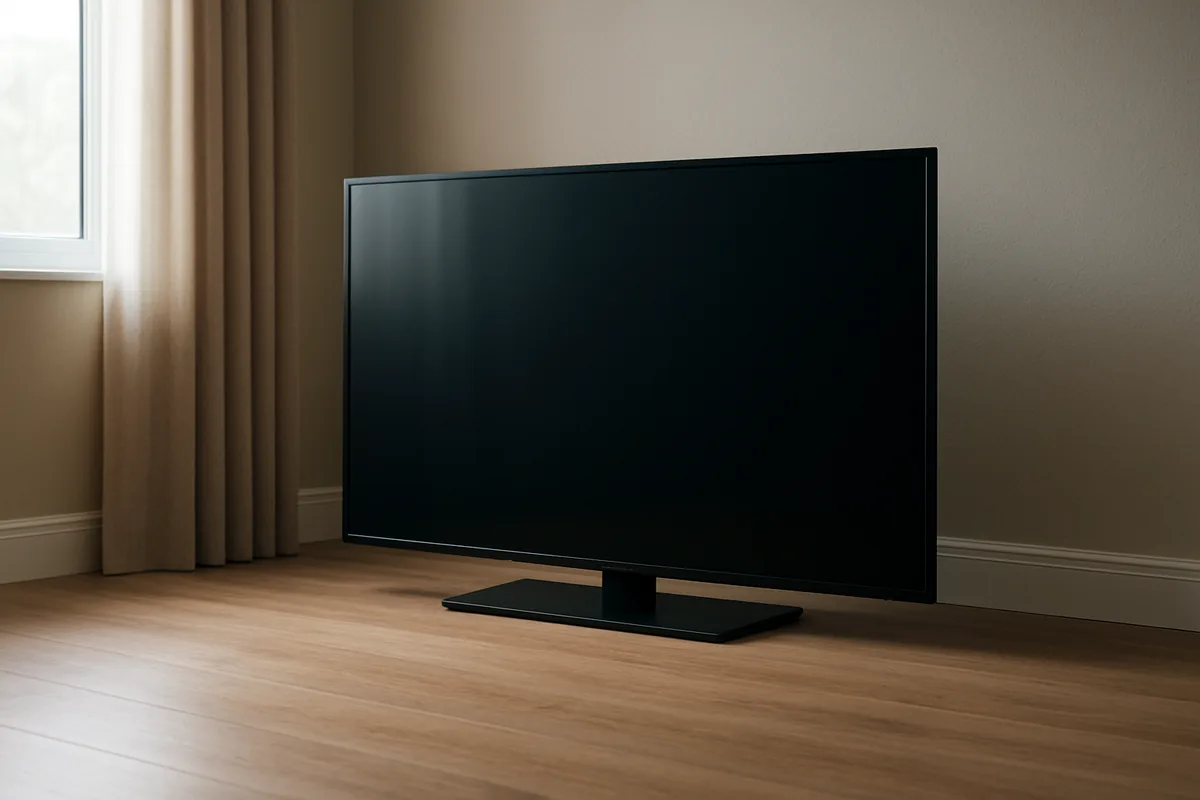
Reuse can extend a television’s life, but passing it on is only practical when it works and suits the next user’s needs. Start with simple external checks, then consider the set’s physical condition and the equipment it can connect to. A television that fails a basic check is not automatically beyond repair, but its fault needs to be diagnosed before reuse is considered. If reuse is unsuitable, check the relevant recycling arrangements.
Check whether it works
Make a few external checks to establish whether the television operates normally. Do not power it on if the plug, lead or casing shows electrical damage.
- Inspect the plug and visible power lead for cuts, exposed wires, crushed sections or scorch marks; do not connect a set with any such damage.
- Look over the casing and sockets for cracks, loose parts or signs of impact that could expose internal components or affect normal operation.
- If the exterior appears intact, connect the set to power and use its normal power control; note whether it starts, stays on or switches off.
- Check for a stable picture and listen for clear sound at ordinary volume, noting persistent flicker, blank areas, distortion or interruptions.
- Try the television’s basic controls, such as changing channels and adjusting volume, and check whether the remote responds if one is available.
These checks can show whether the set appears to work, but they do not identify the cause of a fault. A failed check does not establish whether repair is possible.
Assess whether reuse is suitable
If the television works, first judge its screen and casing: cracks, persistent display faults, missing parts or an unstable stand may make it unsuitable for another user. Minor cosmetic wear may matter less when the intended use is a spare screen than when it will be the main television. Next, compare its connections with the equipment and services the next user plans to use. For example, check whether it has the HDMI input needed for a streaming device or games console, or whether its aerial connection suits the intended setup. A set that does not work should not be offered as a working television. Repair may be an option, but a failed check alone cannot show whether fixing it is practical; do not assume every old set can be repaired or passed on. If its condition or connections rule out a realistic next use, check recycling arrangements instead. Reuse is suitable only when the television works, its condition is acceptable and it is compatible with its next use.
Prepare the Television
Before handing over a television, prepare it in line with the instructions for your chosen collection or recycling route. Disconnect it from the mains and keep the set intact; ordinary external handling does not require opening the casing. Check which external accessories the recipient wants, as requirements can differ between a retailer take-back scheme and a collection service. A few careful steps help ensure the television and any requested items are ready to move.
Disconnect safely
Switch the television off using its power control, then unplug it from the wall socket by holding the plug, not pulling the cable. Do this only when the plug and socket are dry and easy to reach. If the set is wall-mounted or the plug is inaccessible, follow the collection provider’s arrangements rather than forcing the television or stretching its lead.
Let the casing cool until it no longer feels warm before moving the set, especially if it has been on for a long period. Leave the television assembled, with its casing and screen intact. Lifting, carrying and disconnecting external leads are ordinary handling; removing the back panel, cutting wires or touching internal components is dismantling and is not needed for recycling. Keep the unplugged lead clear of walkways while the set is being moved.
Keep relevant accessories together
Set aside the power cable, remote control and any external accessories that belong with the television, such as a separate power adaptor or stand parts. Keep them beside the set while you check the instructions for your chosen handover route; a retailer take-back scheme, recycling centre or collection service may specify different items to include. Do not assume that every route accepts accessories with the television.
Separate only the items the instructions ask you to hand over, and keep any others safely apart so they are not mistaken for part of the load. If the route requests the power cable or remote, place it with the television rather than leaving it behind. Follow the selected route’s preparation instructions and present the set intact, with only the requested accessories.
Check Local Collection Arrangements
Accepted televisions and disposal routes vary between local authorities, so guidance for one postcode may not apply in another. Check your council’s current official instructions before arranging a handover or collection. They can clarify whether a television is accepted at a local household waste recycling centre or through a council collection route. Follow the details for your own area, including any booking or facility conditions. Current local instructions are the best basis for choosing a suitable route.
Council guidance
Use your local authority’s current official waste guidance to check whether it accepts televisions and which routes are available. Search by your postcode on the council’s own information pages or contact the council directly if the instructions do not cover your set. A local household waste recycling centre may accept electrical items, but acceptance can depend on the facility and the type of television.
Check whether the council lists a centre drop-off, a collection for electrical waste, or another approved handover arrangement. Some areas may offer several routes, while others may have different conditions or no council collection for televisions. Read any details about booking, opening arrangements and the items covered rather than relying on a general page about household waste. If instructions are unclear, confirm them with the authority before setting out or arranging collection. Rules can change, so use current guidance rather than advice from another postcode.
Bulky or electrical waste requirements
Before arranging a handover, check the practical requirements for your selected local route:
- Accepted set type: Confirm whether the route accepts your television category, including CRT or flat-screen models, rather than assuming all electrical equipment is covered.
- Available route: Check whether the council specifies centre drop-off, a collection for electrical items, or another local arrangement for television disposal.
- Booking or facility rules: Verify whether collection needs advance booking and whether a recycling centre requires an appointment, proof of address or other stated conditions.
- Size and weight limits: Look for stated limits on item dimensions or weight, since some collection arrangements may not take every large or heavy set.
- Access arrangements: Check where an item must be placed for collection and whether the council sets requirements for vehicle access, stairs or collection-day positioning.
- Accessories: Follow local directions on whether cables, remotes and other accessories may be handed over with the television or need separate sorting.
Current instructions for your area take precedence over assumptions based on another council’s arrangements.